
RewordIt
Reword any text on your Mac with a single hotkey. Built-in AI included.
v1.0.0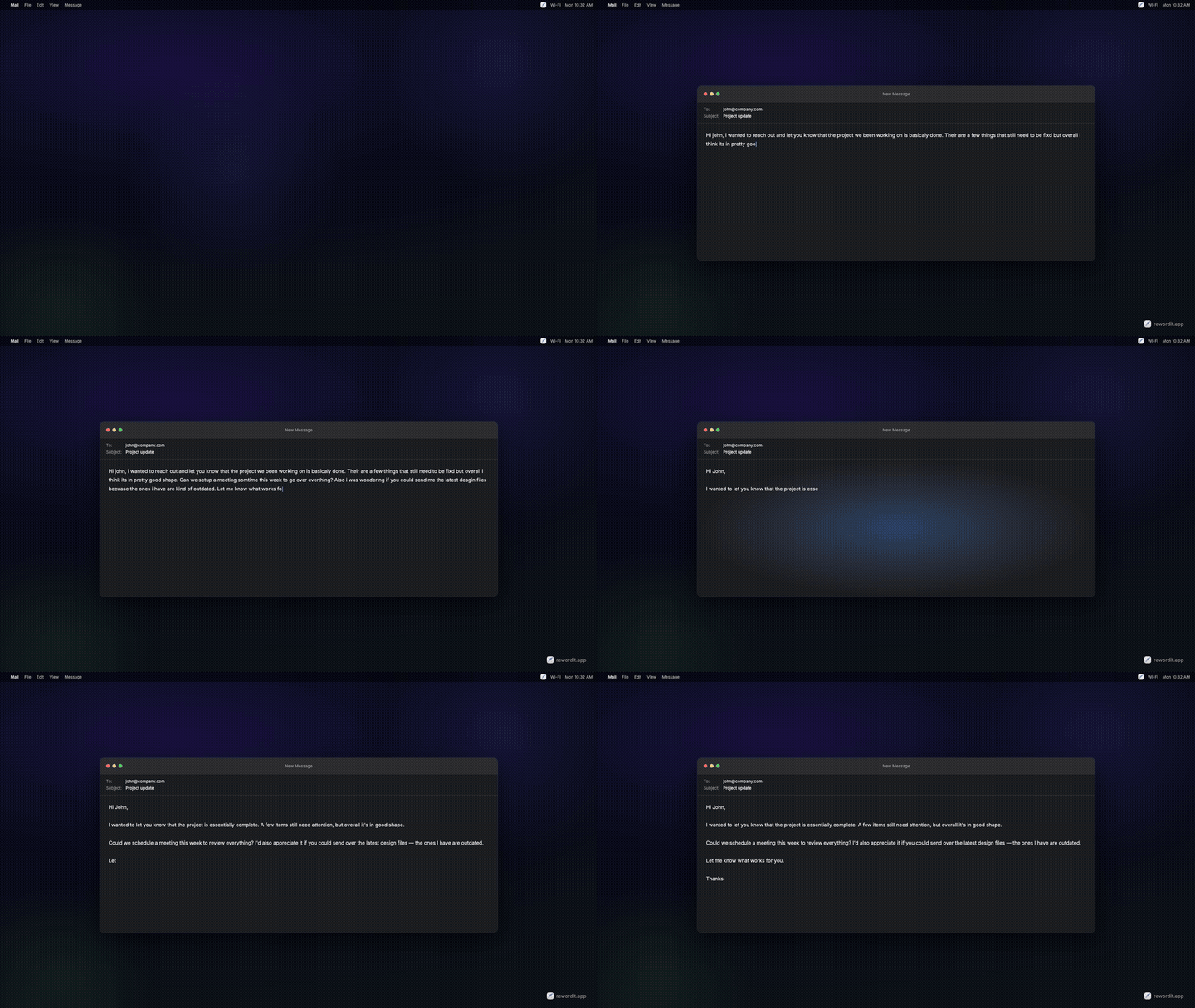
How it works
Sign in with your email — or bring your own API key
Select any text in any application and press a hotkey
The selected text is replaced with the rewritten version
Profiles
Create multiple hotkey + prompt combinations. Different hotkeys trigger different rewriting styles.
Use cases
Why RewordIt
Works everywhere — not a browser extension. Reword text in any app on your Mac.
Private by default — use Ollama and your text never leaves your machine.
Flexible — use built-in AI to start instantly, or bring your own API key from OpenAI, Anthropic, Gemini, Ollama, or any custom endpoint.
Multiple profiles — assign different hotkeys to different prompts. One for tone, one for translation, one for grammar.
Lightweight — lives in the menu bar. No Electron, no bloat.
Pricing
Frequently Asked Questions
Does RewordIt work offline?
Yes, if you use Ollama as your provider. Ollama runs AI models locally on your Mac, so text is processed entirely on your machine with no internet required. The built-in AI and cloud providers (OpenAI, Anthropic, Gemini) require an internet connection.
Is my text stored or logged?
No. When using the built-in AI, your text is processed in real time and not stored on our servers. When using BYOK providers, text goes directly to your chosen provider. With Ollama, text never leaves your machine.
What AI model does the built-in option use?
The built-in RewordIt AI runs on Cloudflare Workers AI. It's optimized for fast text rewriting at a fraction of a cent per rewrite.
Can I use RewordIt for translation?
Yes. Create a profile with a translation prompt (e.g., "Translate the selected text to Spanish") and assign it a hotkey. You can create one profile per language.
Why does RewordIt need Accessibility permission?
RewordIt uses the macOS Accessibility API to read and replace selected text directly in any app. This is the same permission used by screen readers and automation tools. Without it, the app cannot interact with text in other applications.
Requirements
- macOS Ventura (13.0) or later
- Accessibility permission (prompted on first launch)